HERE TO HELP
HennaTrace support.
Find a little guidance for using the app, managing your subscription, and getting back to creating.
Getting started
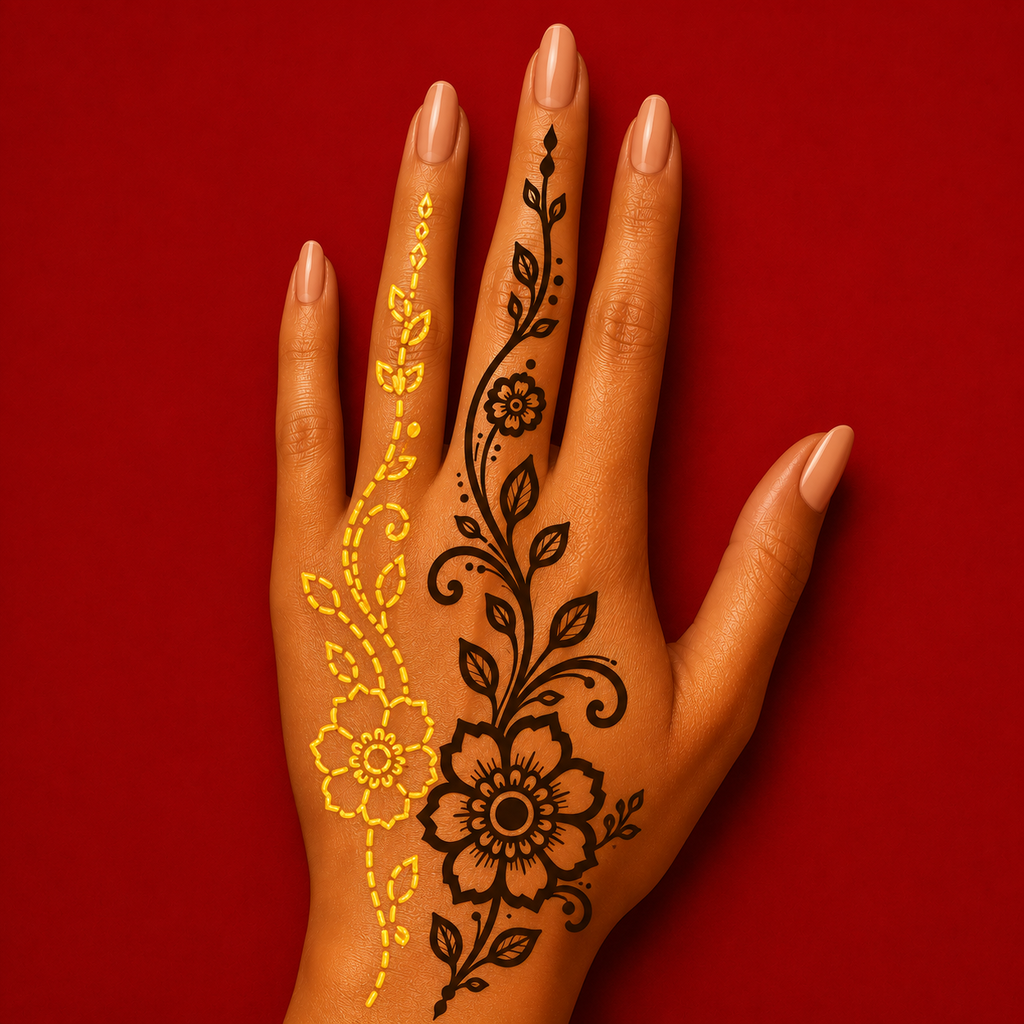
Choose a pattern under Designs, open Trace, and allow camera access when prompted. Point your camera at the area you want to decorate, then adjust the overlay and use it as a visual guide while you draw.
Camera access
If the camera doesn’t appear, check your iPhone’s Settings for HennaTrace and make sure camera access is enabled.
Restore a purchase
In HennaTrace, open Settings and select Restore Purchases. Make sure you are signed in to the Apple Account used for the original purchase.
Manage a subscription
On your iPhone, open Settings, tap your name, and choose Subscriptions. Select HennaTrace to see the options available for your subscription.
Apple: how to cancel a subscription ↗Contact support
For help with HennaTrace, email support@hennatrace.com.
Privacy questions
For privacy questions, contact the developer using the address listed in the HennaTrace privacy policy.